
? Want a reliable portable power source that keeps your devices running whether you’re camping, traveling, or facing a blackout?

Quick Overview
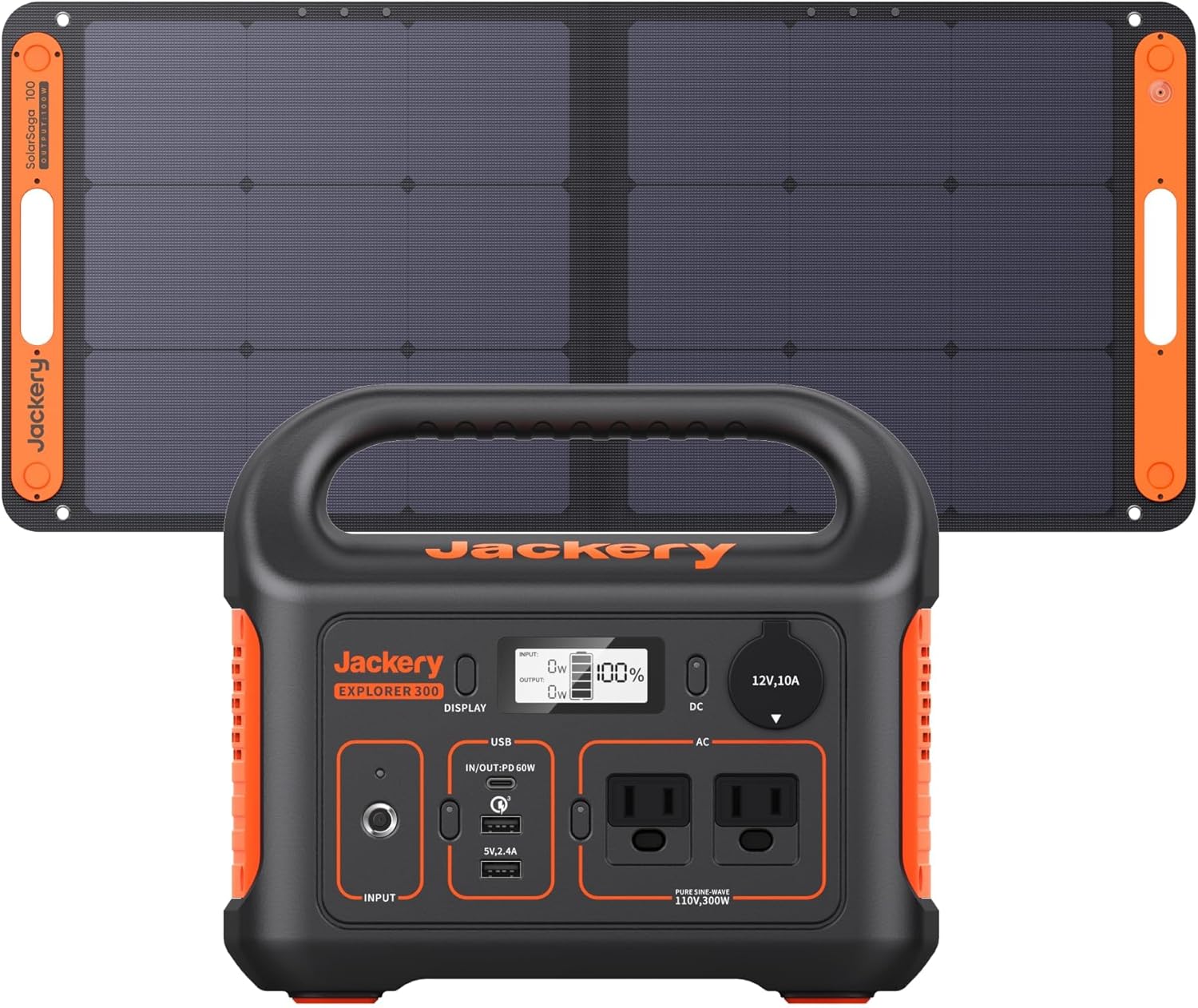
You get a compact, 293Wh lithium battery paired with a 100W solar panel in this Jackery bundle. The unit is designed to give steady 300W AC power from two pure sine wave outlets while staying light enough for easy transport.
What this product actually is
This bundle pairs the Jackery Solar Generator 300 power station with a SolarSaga 100W panel to give you a portable kit for off-grid power. You can use it to charge laptops, phones, small appliances, and run devices during outages without the noise and fuel hassles of a gas generator.
Key Specifications
You’ll want the headline numbers up front so you can judge whether this unit meets your needs. These specs cover capacity, output, ports, weight, and recharge methods.
| Spec | Detail |
|---|---|
| Model | Jackery Solar Generator 300 (Jackery 300 power station with SolarSaga 100W panel) |
| Battery Capacity | 293Wh (lithium-ion) |
| AC Output | 2 × Pure Sine Wave AC outlets, 110V, 300W continuous |
| Surge Capacity | Short bursts above 300W (check device-specific needs) |
| USB-C (PD) | 60W PD port (input/output supported) |
| USB-A | 1 × Fast Charge 3.0 port, 1 × USB-A standard |
| DC Output | 1 × car port |
| Recharge Options | Wall AC adapter, 60W PD + AC simultaneous (fast), car outlet, SolarSaga 100W (MPPT) |
| Weight | 7.1 pounds |
| Included | Power station, SolarSaga 100W, AC adapter, car charger cable, user guide (shipped separately) |
Why these specs matter
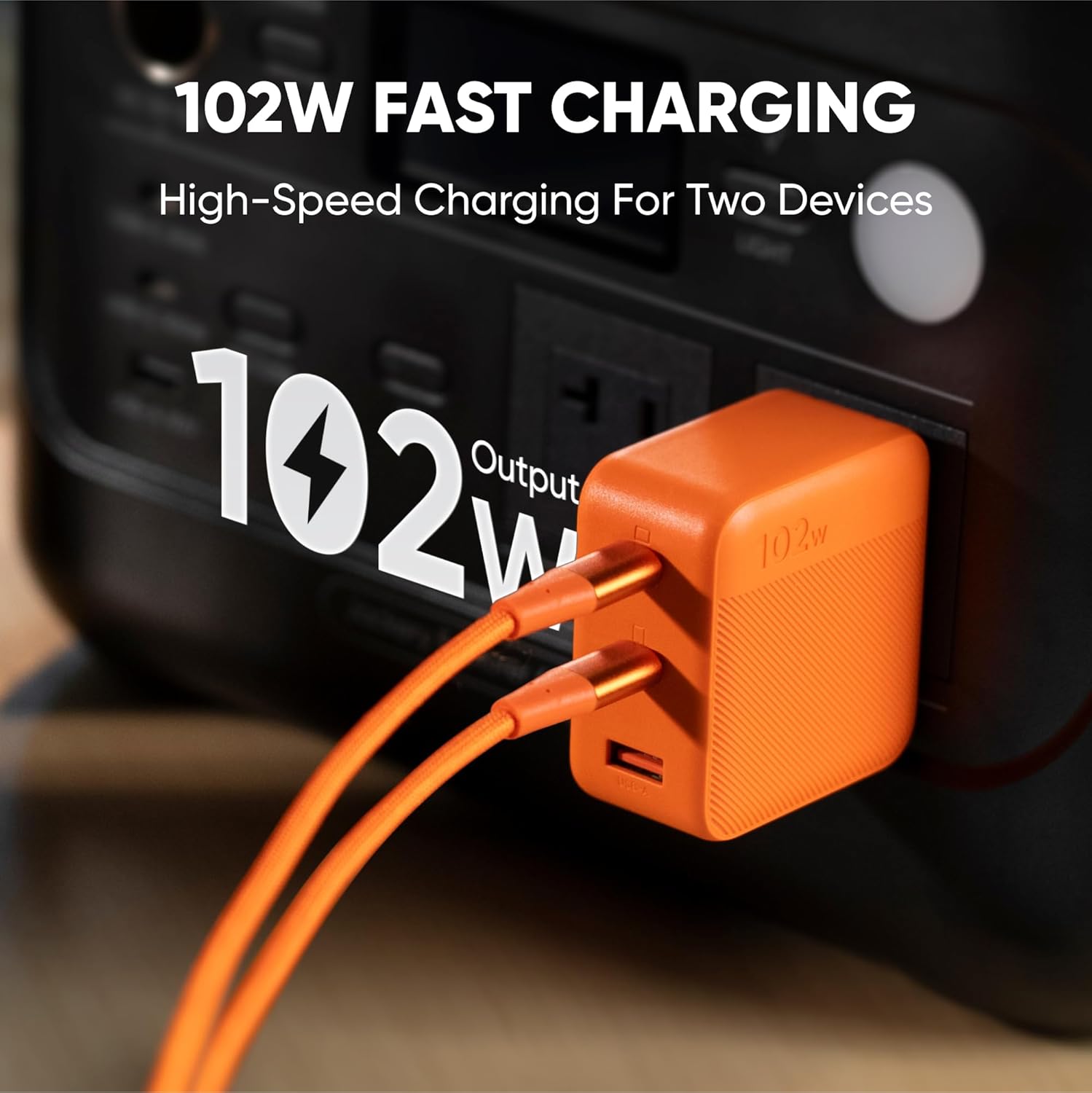
Those numbers tell you how long the unit can run devices and how easily you can get it back to full charge. The 60W USB-C PD is especially useful because it doubles as a fast input and output, speeding both device charging and the power station recharge when combined with the AC adapter.

Design and Build
The Jackery 300 is built to be portable without sacrificing usability, and it shows in the size and layout. You’ll notice a sturdy handle, straightforward front-panel ports, and a clean, simple LCD that reports remaining battery and input/output wattage.
Port accessibility and layout
All ports are grouped on the front for quick access, making it simple to plug and unplug multiple devices at once. The display keeps you informed so you can manage loads and avoid overloads during critical moments.
Battery Capacity and Performance
293Wh is a mid-sized capacity for a portable power station and works well for short trips or as emergency backup for a few essential devices. You can expect multiple charges for small electronics and partial to full charges for larger devices depending on their power draw.
Real-world runtime examples
Below are typical runtimes you can expect under normal conditions. Actual results will vary with device efficiency and environmental factors.
| Device | Typical Power Draw | Estimated Runtime (293Wh) |
|---|---|---|
| Smartphone (50W while charging) | 10–20W | 10–14 full charges |
| Laptop (MacBook; 60W) | 30–60W | 3–6 hours |
| Camera (DSLR) | 10–20W | 10–25 hours of shooting (battery charger dependent) |
| Drone battery | 50–100W | 2–4 full charges (model-dependent) |
| Mini fridge | 40–60W (running average) | 4–6 hours running (compressor cycles matter) |
| Portable fan | 10–30W | 8–25 hours |
How to interpret these numbers
You’ll want to match device wattage to the power station’s usable capacity. The battery’s 293Wh means it stores about 293 watt-hours under ideal conditions, but inverter and conversion losses (typically 10–15%) reduce effective runtime slightly. For sensitive devices, prioritize the pure sine wave AC outputs and the PD port.
Charging the Power Station
This is where the Jackery 300 gets interesting: you can recharge via wall AC, car outlet, or solar. It also supports simultaneous fast recharge when you use the wall outlet and the 60W PD input together.
Wall and PD simultaneous recharge
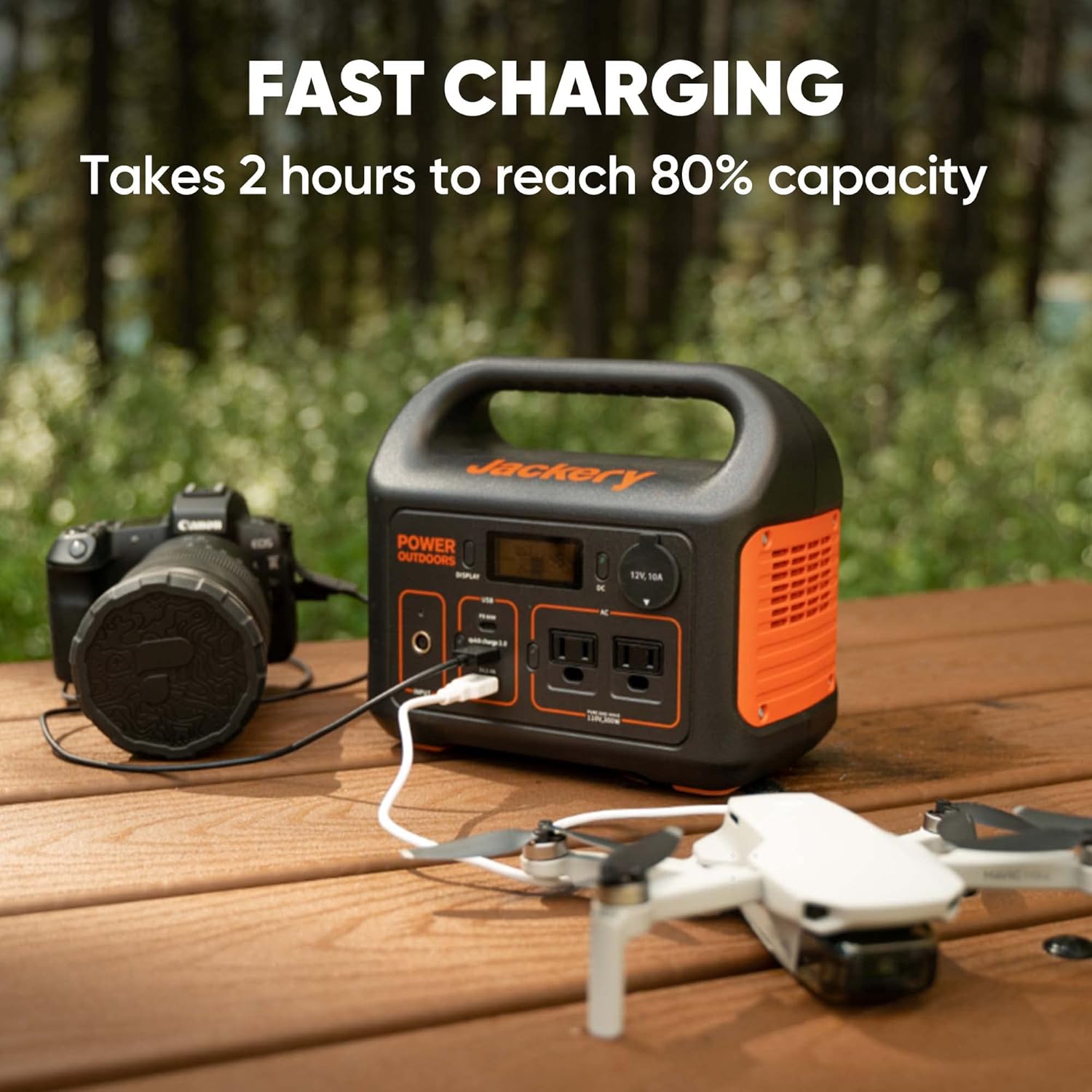
Using the AC adapter and the 60W USB-C PD port at the same time shortens recharge to about 2 hours to reach approximately 80% capacity. You’ll appreciate this when you need the unit ready quickly between trips or during short stops on the road.
Solar charging with SolarSaga 100W
Pairing the Jackery 300 with the SolarSaga 100W panel allows you to recharge using sunlight. The built-in MPPT controller boosts efficiency so the station captures more solar power under varying sun conditions. Realistically, under strong sun you can expect a full recharge in roughly 4–6 hours, depending on angle and conditions.
Car charging and slower methods
If you’re on a road trip you can use the car charger cable to top up the unit, though recharge times will be longer than wall or PD input. This method is handy when wall power isn’t available and you have engine runtime to spare.
Output Capabilities and What You Can Run
You’ll get two pure sine wave AC outlets that supply a stable 300W continuous output, which is safe for sensitive electronics. That power level limits you from running heavy appliances like full-size microwaves or air conditioners, but it’s perfectly fine for laptops, small fridges, lights, fans, and medical devices within the wattage limits.
AC, USB, and DC simultaneous use
You can charge multiple devices at once — up to around six different devices — using the mix of AC outlets, USB-C PD, USB-A, and the DC car port. This is convenient for families or small work setups where phones, laptops, cameras, and other gear need power at the same time.
Safety Features and Reliability
Jackery includes protections typical of modern power stations: over-current, short-circuit, over-voltage, and temperature control mechanisms. These safety measures protect both the battery and connected devices so you can use the unit in different environments with more confidence.
Pure sine wave advantage
The pure sine wave inverter keeps power clean and stable, which is important for sensitive electronics like laptops, medical devices, and audio gear. That stability reduces the risk of device damage compared to modified sine wave outputs.
Portability and Practical Use
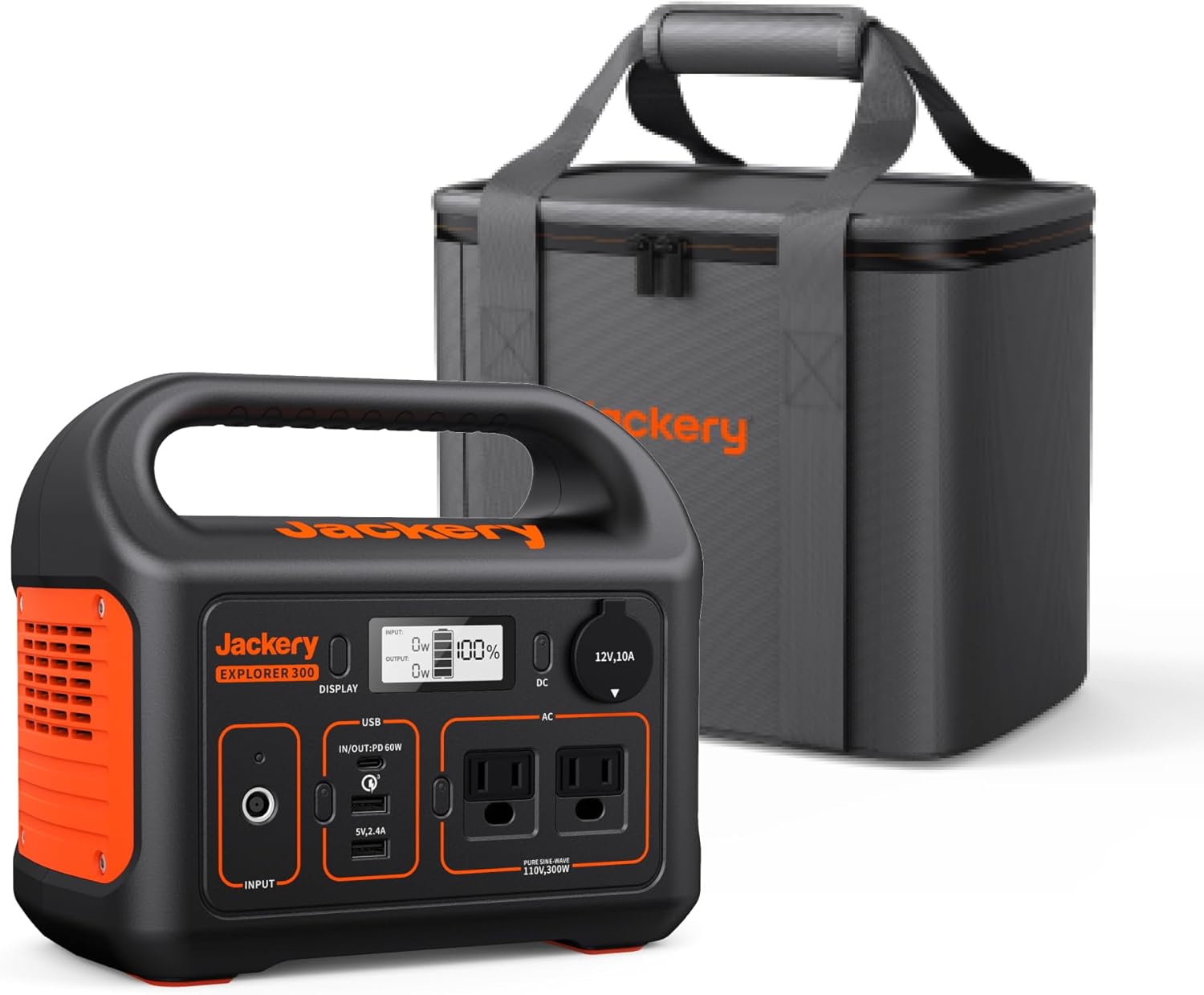
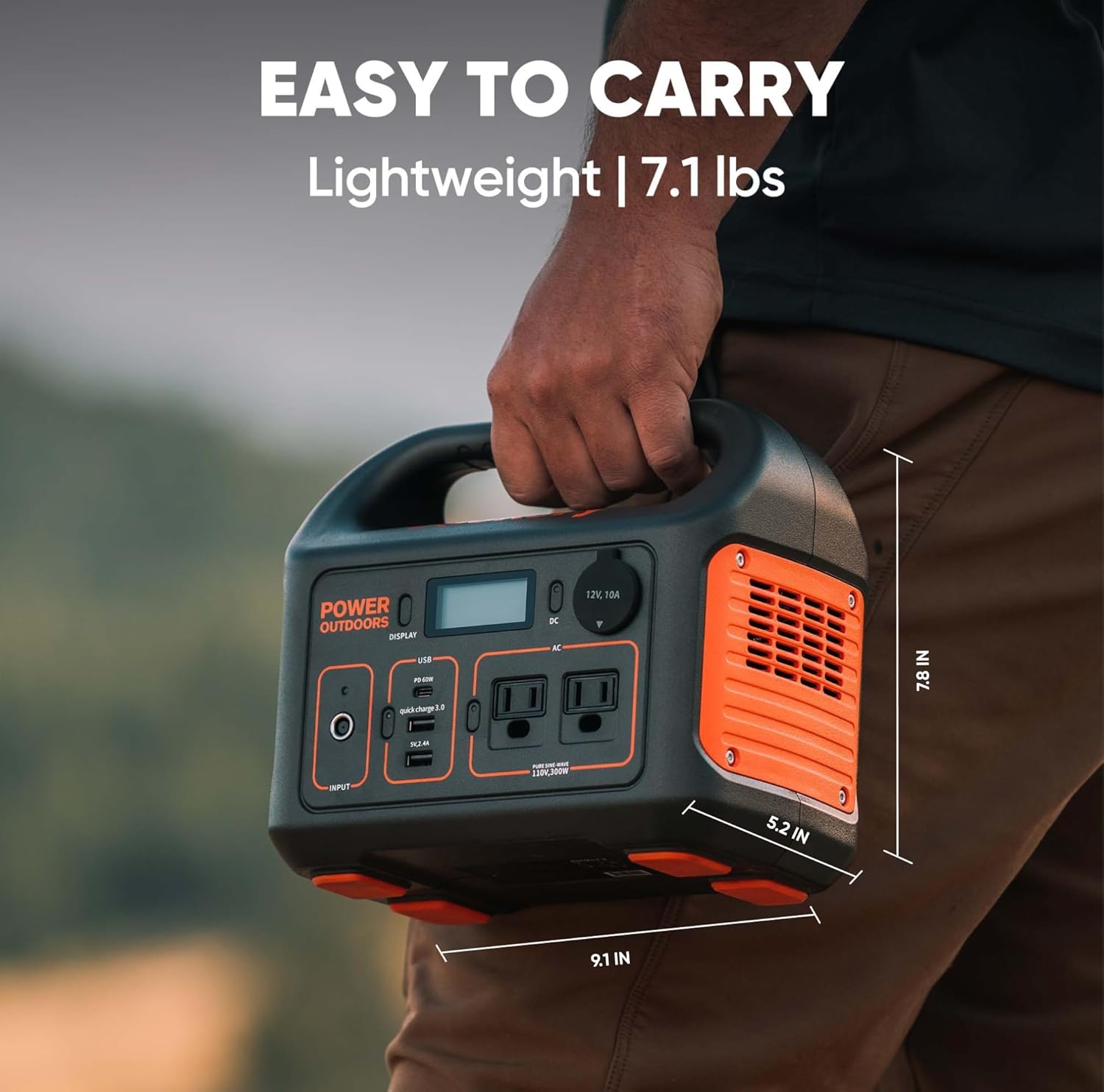
At about 7.1 pounds, you’ll find the unit easy to carry for most outdoor activities and transport in a vehicle. The compact footprint means it won’t take up much space in an RV or in the trunk of your car.
How you’ll carry and store it
The integrated handle makes short hauls easy, and the durable casing stands up to outdoor use. For long-term storage, keep the battery charged to a recommended level (usually around 50–60%) to preserve battery health.
SolarSaga 100W Panel Details
The included SolarSaga 100W panel is lightweight and foldable, designed specifically to pair with Jackery power stations. It’s optimized to feed the MPPT controller in the power station, helping you maximize solar input.
Solar setup tips
Set the panel at a 30–45 degree tilt facing true south (in the northern hemisphere) for best daily yields. Keep the panel clean and avoid shading, as even small shadows can dramatically reduce output.
What’s in the Box and Shipping Notes
The package includes the power station, SolarSaga 100W panel, AC adapter, car charger cable, and a user guide. Note that the generator and solar panel are shipped separately, and you must provide a physical street address — PO Boxes are not supported for delivery.
Why shipping details matter
When you order, expect separate deliveries and plan for that when scheduling trips or emergency prep. Make sure the shipping address accepts deliveries to avoid delays.
Pros and Cons
You’ll want a balanced look at strengths and limitations so you can decide if this unit fits your needs.
Pros
- Lightweight and highly portable for its capacity.
- Fast recharge capability when using AC + 60W PD together.
- Pure sine wave AC for safe charging of sensitive electronics.
- Solar-ready with efficient MPPT for faster solar recharging.
- Multiple ports for simultaneous charging of several devices.
Cons
- 300W continuous limit rules out high-power appliances.
- 293Wh means it won’t last multiple days for high-draw appliances without recharging.
- Solar recharging time depends heavily on sun conditions and panel placement.
- Power station and solar panel may arrive separately, which can be inconvenient.
Practical Use Cases
Knowing how you’ll actually use the unit helps decide if it’s right for you. These scenarios cover the most common needs.
Camping and RV
You can run lights, charge phones, power a small fridge or blender intermittently, and keep cameras and laptops charged. The weight and size make it easy to stow and use at campsites with limited space.
Emergency backup at home
Keep essentials powered during short blackouts: charge phones, run a CPAP (make sure wattage fits), power small LED lights, and run communication devices. Two AC outlets means you can keep a router and a laptop powered for work or communication.
Travel and remote work
You can keep a laptop and phone charged while you work outdoors or in remote locations. The 60W PD port is particularly helpful for fast laptop charging without an extra brick.
Photography and drone ops
Photographers and drone pilots will appreciate the mix of ports and the capacity to charge multiple batteries across a day of shooting. It’s light enough to carry between locations and reduces dependency on car charging.
Comparison with Similar Units
When comparing similar mid-capacity power stations, consider weight, AC output, recharge speed, and solar compatibility. This Jackery offers a good balance of fast recharge, portability, and reliable pure sine wave output.
How it stacks up for value
You’ll often find that this unit is competitively priced for what’s included (power station + solar panel) and its fast recharge capability. If you need larger capacity, there are higher-capacity models, but they typically weigh more and cost significantly more.
Maintenance and Care
Treating the battery and panel well will extend the life and usability of your system. Simple steps like avoiding prolonged storage at 0% or 100% charge, keeping the panel clean, and protecting the unit from extreme temperatures will go a long way.
Battery storage guidelines
If you store the power station for months, keep it around 50–60% charge and recharge it every 3–6 months. Extreme heat or cold can degrade battery life, so store it in a climate-controlled environment when possible.
Troubleshooting Common Issues
You may run into a few common scenarios that are easy to handle without service calls. These tips help you diagnose common problems quickly.
Unit won’t charge from solar
Check that the SolarSaga is connected properly and free from shading. Confirm the panel orientation and clean the surface; check the LCD for any error messages.
Devices not charging or slow charging
Verify the device’s power draw and the port being used. Some devices engage power negotiation and may require a different cable or port; using the PD port often gives the fastest results.
Frequently Asked Questions (FAQs)
These are the questions people ask most about this kind of power station and panel, with clear answers to help your decision.
Can this run a CPAP machine?
It depends on the CPAP’s power draw. Many CPAP machines use 30–60W, which this unit can support for several hours, but confirm your model’s wattage and use-cycle needs. If you need an entire night’s runtime for higher-draw heated humidifiers, the capacity may be marginal.
How long does the SolarSaga 100W take to fully charge the unit?
Under ideal sun conditions, expect roughly 4–6 hours to reach full charge from near-empty. Factors that change this include sun intensity, panel angle, and shading.
Is the USB-C PD port both input and output?
Yes, the 60W PD port supports both input and output, which simplifies charging and speeds up station recharge when used concurrently with the AC adapter.
Tips to Maximize Performance
You’ll get the most from the unit by managing loads and using the optimal recharge pathways. These practical tips will stretch your runtime and keep the unit healthy.
Smart charging order
Prioritize charging essential devices first and use AC for high-draw devices and USB/PD for smaller electronics. Use simultaneous PD + AC recharge when you need the unit charged quickly.
Solar placement and angle
Aim the panel directly at the sun and avoid partial shading to get the best output. A higher angle during summer and lower in winter helps capture more sunlight across seasons.
Final Verdict
If you want a lightweight, user-friendly portable power station with flexible charging options and clean AC output, this Jackery bundle is a strong choice. You’ll appreciate the fast recharge combination of AC + 60W PD, reliable pure sine wave outlets, and the convenience of a foldable 100W solar panel for off-grid use.
Who this is best for
This kit is ideal if you’re a weekend camper, van lifer, remote worker, photographer, or someone preparing for occasional home blackouts. If you need long-term power for heavy appliances, you’ll want a higher-capacity model, but for portable power and quick recharges, this unit fits well.
Closing Notes and Buying Tips
Before you buy, check the delivery terms and plan for separate shipments of the panel and power station. Confirm the devices you intend to run are within the 300W continuous limit and that the 293Wh capacity meets your runtime expectations.
Final purchasing checklist
- Verify wattage of devices you want to run (continuous draw).
- Plan for separate shipments and provide a physical street address.
- Consider charging strategy (wall + PD for speed; solar for off-grid use).
With this information, you should feel confident assessing whether the Jackery Solar Generator 300, 293Wh Backup Lithium Battery with SolarSaga 100W fits your needs for camping, travel, or emergency backup.
Disclosure: As an Amazon Associate, I earn from qualifying purchases.