
Looking for a lightweight, reliable portable power station that can keep your devices running on a camping trip, during travel, or through a blackout?

Product Overview: Jackery Portable Power Station Explorer 300, 293Wh Backup Lithium Battery, Solar Generator for Outdoors Camping Travel Hunting Blackout (Solar Panel Optional)
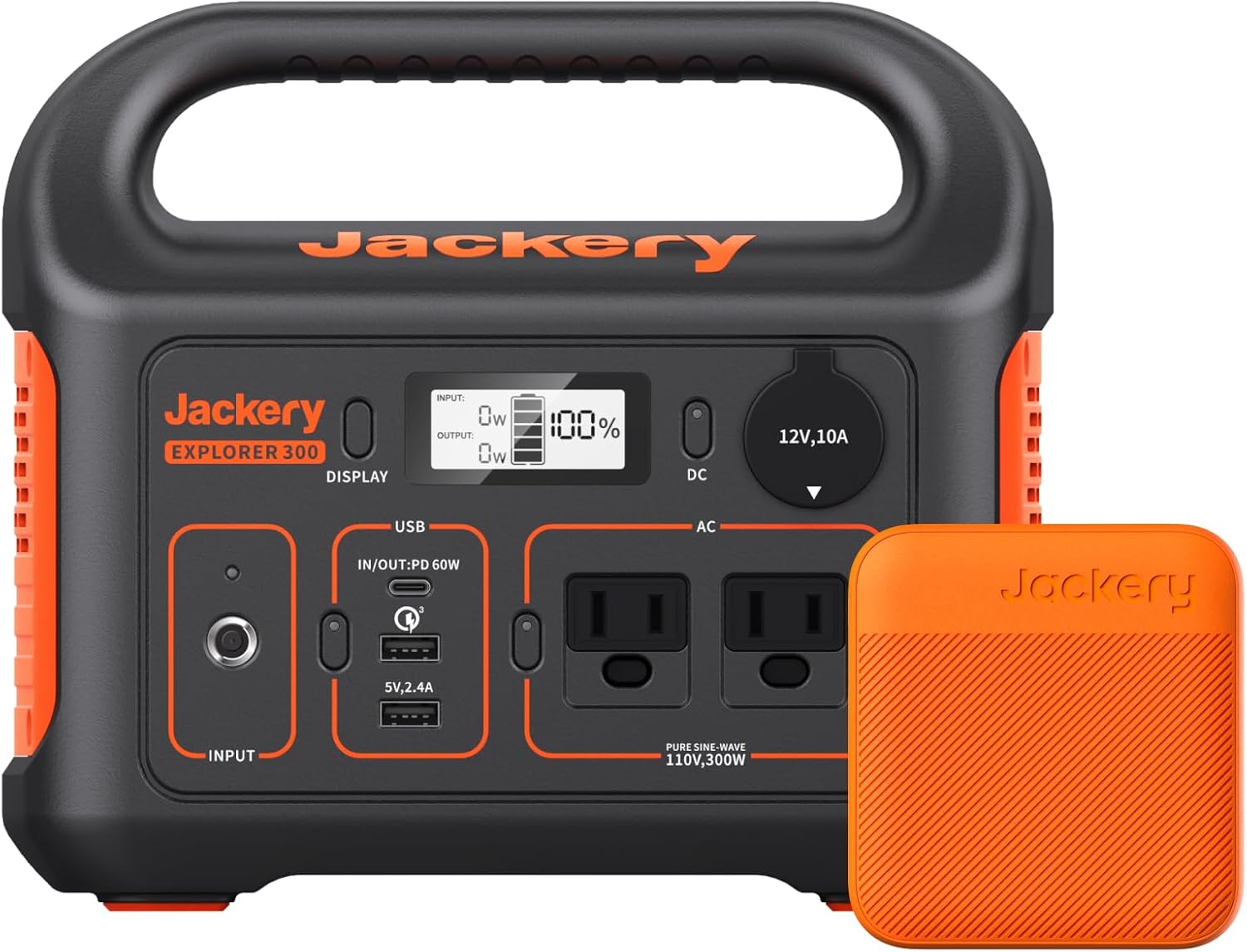
You’ll find the full product name useful when searching or comparing. This compact unit packs a 293Wh lithium-ion battery into a 7.1-pound chassis and offers a mix of AC, DC, and USB outputs so you can charge multiple devices at once. The Jackery Explorer 300 markets itself as a portable, multi-use power station for outdoor and emergency use.
What’s included and what’s not
You get the power station itself, an AC adapter, a car charger cable, and a user guide. The solar panel is optional — the Jackery SolarSaga 100 is compatible but sold separately. Keep that in mind if you want a fully off-grid charging setup.
First impressions and build quality
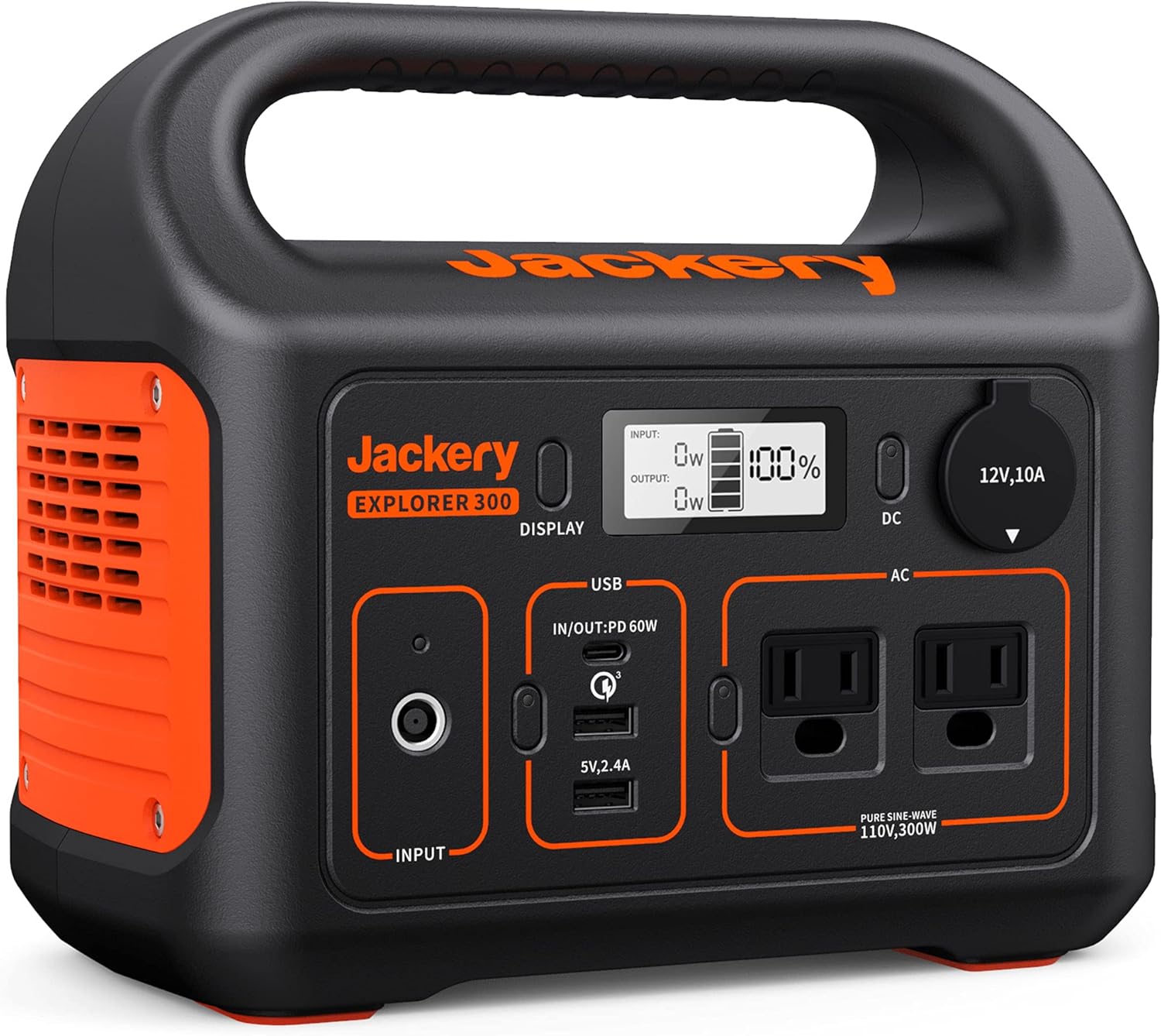
When you pick this up, you’ll notice how unusually light it is for a battery of this capacity. The handle is integrated and comfortable to carry, and the matte plastic shell feels durable enough for outdoor use. The design is straightforward and user-friendly, with clearly labeled ports and a simple LCD screen that shows input/output wattage and battery percentage.
Materials and durability
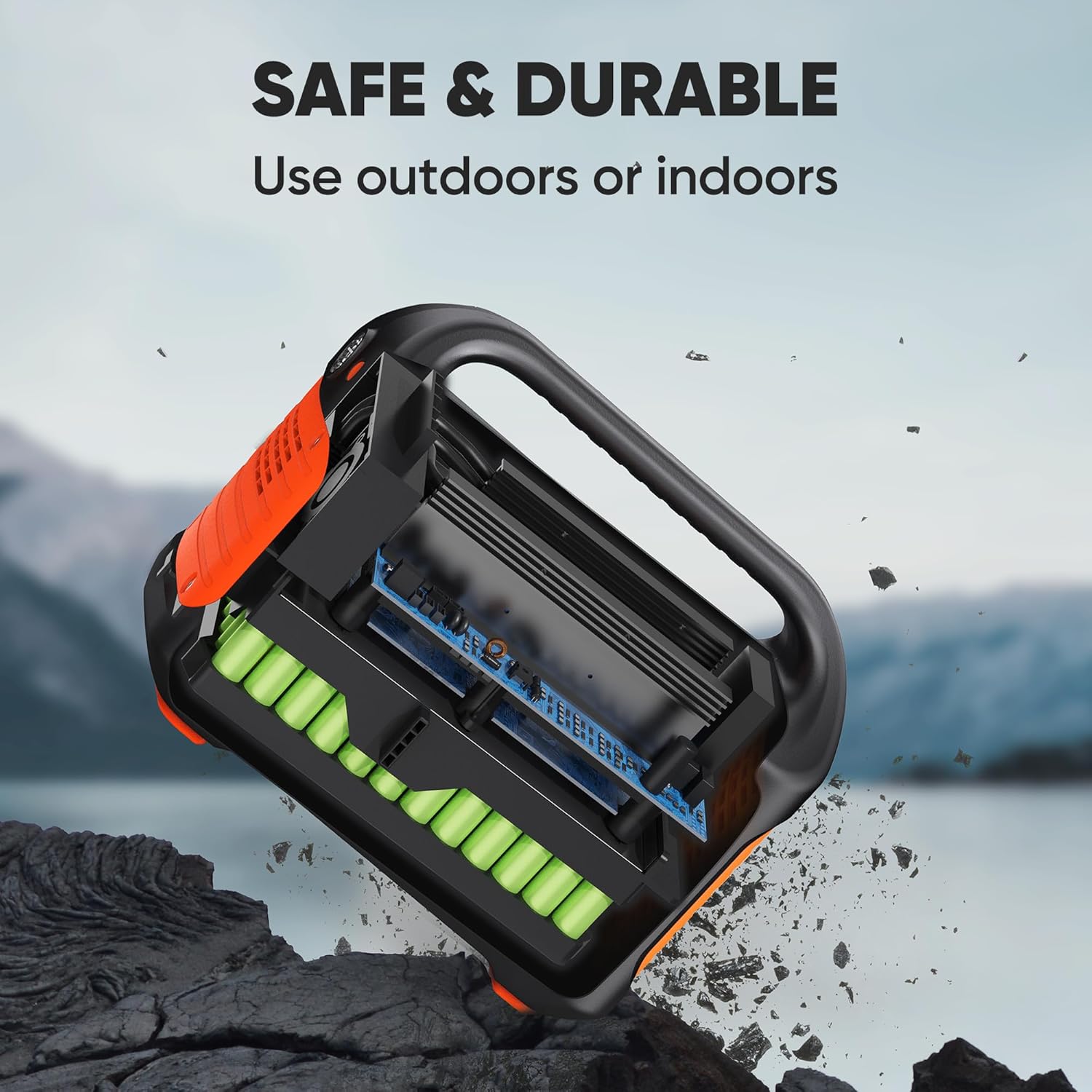
The outer shell is hard plastic that resists scuffs and light bumps. While it’s not rated for submersion or heavy impacts, you can confidently toss it in the trunk or a car without worrying about fragile parts. The buttons and ports feel well fitted, and the AC outlets are protected by plastic guards to prevent dirt intrusion.

Portability and weight
At about 7.1 pounds, you can carry this for short hikes, put it in a tent, or move it between your home and car easily. If you’ll be backpacking for miles, you might find it a bit bulky; for car camping, road trips, and emergency storage, it hits a great balance between weight and capacity.
Size and transportability
The compact footprint fits easily in most car trunks and shelves. The integrated handle and light weight make packing simpler than larger power stations. You can expect to transport it without a dedicated bag in most situations.
Battery capacity and real-world performance
The Explorer 300 has a 293Wh battery pack. In real use, that means you can recharge small devices multiple times and run low-draw appliances for limited durations. The 300W continuous AC output (with a peak surge for startup) is suitable for laptops, small fridges, lights, fans, and camera gear, but it won’t power larger appliances like full-size refrigerators, heavy-duty power tools, or electric kettles for long.
Efficiency and inverter
The unit uses a pure sine wave inverter, which means your sensitive electronics like laptops and cameras will receive stable and clean power. That lowers the risk of damage or glitches compared to modified sine wave inverters.
Charging methods and recharge speed
You have three main ways to recharge the Explorer 300:
- Wall outlet (AC adapter)
- Car outlet (12V DC input)
- Solar panel (Jackery SolarSaga 100, sold separately)
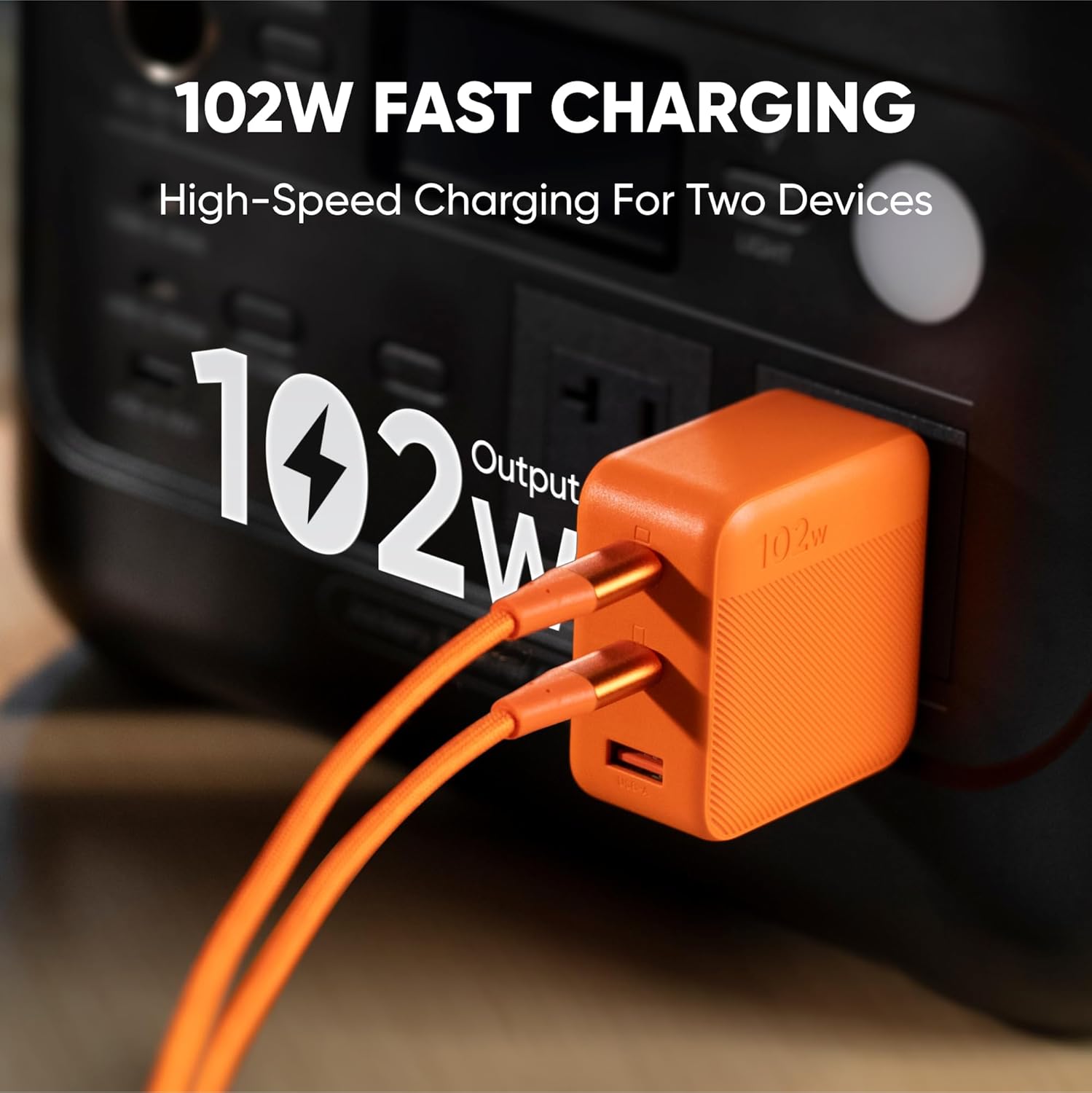
Using the AC adapter together with the 60W PD USB-C input can charge the battery to about 80% in roughly 2 hours. That’s impressively fast for a unit of this size and especially useful when you need quick turnaround between uses.
Simultaneous input details
The 60W USB-C port supports both input and output, so you can use it to charge laptops while receiving power from an AC adapter or solar panel. The unit’s MPPT controller, when paired with the SolarSaga 100, helps optimize solar charging speed and efficiency.
Ports, outputs, and device compatibility
You’ll find a practical selection of ports:
- 2x Pure Sine Wave AC outlets (300W total continuous)
- 1x PD 60W USB-C port (input/output supported)
- 1x Fast Charge QC 3.0 USB-A port
- 1x USB-A port (standard)
- 1x DC car outlet (12V)
This gives you the flexibility to charge up to six devices at once, such as a laptop, phone, camera, drone batteries, small fridge, or LED lights. The PD 60W USB-C can charge many modern laptops and tablets at sensible speeds, while the AC outlets let you plug in devices that lack USB charging.
Typical device runtimes (approximate)
Below is a quick-reference table to help you estimate how long the Explorer 300 can run common devices. Actual runtimes depend on device efficiency, age, and usage patterns.
| Device/Load | Typical Watt Draw | Approx. Run Time from 293Wh |
|---|---|---|
| Smartphone (10W charging) | 10 W | ~20–24 full charges (standby/phone use) |
| Laptop (MacBook, 30–60W) | 30–60 W | 4–9 hours (depends on wattage) |
| DSLR Camera battery charger | 10–20 W | ~10–20 hours of charging cycles |
| LED camping lights (10W) | 10 W | ~20–24 hours |
| Mini fridge (50–70W) | 50–70 W | ~4–6 hours (varies with compressor cycle) |
| CPAP machine (30–60W)* | 30–60 W | 4–9 hours (depends on model, use caution) |
| Drone battery (50W charge) | 50 W | ~5–6 hours of charging time for battery packs |
| Small fan (20–40W) | 20–40 W | ~7–14 hours |
*If you rely on a CPAP for medical reasons, check manufacturer guidance and have a backup plan. Run times vary by model and settings.
Solar compatibility and MPPT charging
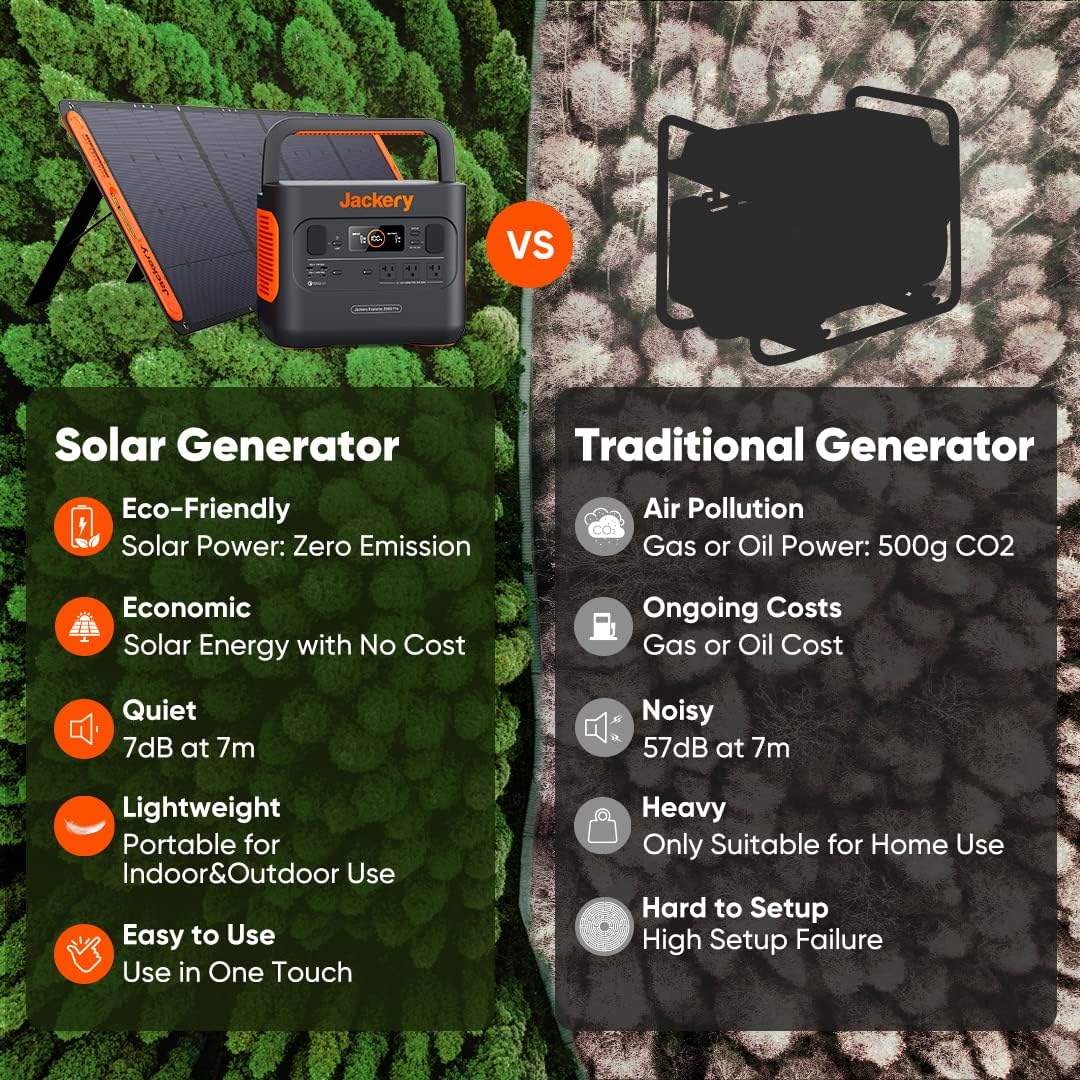
The Explorer 300 is compatible with Jackery’s SolarSaga 100 panel. The integrated MPPT (Maximum Power Point Tracking) controller ensures the most efficient transfer of solar power to the battery under varied sunlight conditions. If you plan to use solar, pairing the unit with the SolarSaga 100 is the easiest plug-and-play option.
Solar charging speed and practicality
Under ideal conditions, the SolarSaga 100 can significantly extend your off-grid time, but real-world performance depends on sun intensity, angle, shade, and panel placement. With good sunlight, expect meaningful recharge throughout the day — enough to maintain devices or partially top up the battery for evening use.
Safety features and reliability
Jackery includes standard safety protections like over-voltage, over-current, short-circuit, and temperature protection. The pure sine wave inverter adds a layer of safety for sensitive electronics. You’ll also find that the power station manages power smoothly without sudden spikes or drops.
Thermal performance and noise
Because the Explorer 300 is a small unit, it uses passive ventilation and quiet fans that only kick in under heavier loads. You’ll rarely notice fan noise during typical phone or laptop charging, and the unit generally manages heat efficiently in ambient outdoor conditions.
Use cases: how you might use it
You’ll find this unit useful in multiple scenarios.
Camping and outdoor trips
For car camping and RV stops, the Explorer 300 powers lights, laptops, small fridges, and phone charging. It’s easy to place in a tent vestibule or campsite table and keep all your essential electronics running overnight.
Road trips and van life
Keep it in your vehicle for charging during stops, powering cameras, laptops, and small appliances. The 12V car input makes it convenient to top up during long drives.
Emergency home backup
For short blackouts, you can power routers, phones, lights, and small medical devices for several hours. It won’t run whole-home systems, but it will keep crucial devices operating and maintain communication.
Photography and fieldwork
Photographers and drone operators will like the ability to charge multiple batteries on-site. The PD USB-C port and AC outlets make field charging straightforward.
Pros and cons
Laying out the strengths and trade-offs helps you decide whether this model fits your needs.
Pros
- Lightweight and portable for its capacity
- Fast recharge to 80% when using AC + PD input together (~2 hours)
- Pure sine wave AC for safe device operation
- 60W PD USB-C supports modern laptops and can serve as input/output
- MPPT compatibility for solar charging with SolarSaga 100
- Quiet operation and well-built exterior
- Can charge up to six devices at once
Cons
- 293Wh limits runtime for higher-watt devices and longer outages
- 300W AC output can’t run larger appliances or heavy tools
- Solar panel sold separately if you want fully off-grid charging
- Not waterproof or rated for heavy-impact situations
- For extended backup at home, you’ll need multiple units or a larger battery
How it compares to other portable power stations
If you’re comparing options, the Explorer 300 sits in the compact, mid-capacity class. You’ll find cheaper ultra-small battery packs with less functionality, and much larger power stations with far greater capacity and output. What makes the Explorer 300 appealing is its balance of portability, a clean inverter, and quick recharge speed.
Where it stands out
The PD 60W input/output plus AC-adapter combo that recharges to 80% in around 2 hours is a standout feature at this size. You’ll appreciate that if you need quick turnaround between trips or during a busy weekend.
Where it can fall short
If you need to run high-wattage appliances, want multi-day home backup, or require a ruggedized unit rated for all-weather conditions, you may want a different model or multiple units.
Practical tips for using your Explorer 300
To get the most from your unit, follow a few simple practices.
Optimize charging and longevity
- Use the 60W PD port with the AC adapter together to speed recharge when you have access to grid power.
- Store at about 50–80% charge if you won’t use it for months, and top up every 3–6 months to preserve battery health.
- Avoid fully discharging the battery frequently; lithium batteries last longer with partial discharge cycles.
Solar use tips
- Position the SolarSaga 100 panel perpendicular to rays and avoid shade for best performance.
- Keep the panel clean and free of dust to maximize output.
- Pairing with multiple panels (check Jackery’s guidance) can improve recharge speed if you’re stationary for long periods.
Safety and operation
- Keep the unit away from water and extreme temperatures.
- Don’t block ventilation during high-load use.
- Use the AC ports for compatible devices and prefer the USB-C for efficient charging of modern laptops and phones.
Frequently asked questions (FAQs)
Here are answers to questions you’re likely to ask.
How long will the Explorer 300 run my laptop?
Typical laptops draw 30–60W. At 30W, you might get up to 9 hours; at 60W, closer to 4–5 hours. Real-world time depends on screen brightness, CPU load, and whether you use power-saving modes.
Can it charge via USB-C while charging from AC?
Yes. The PD 60W USB-C port supports both input and output, and using AC + PD input together can speed up the overall recharge process.
Is the unit good for CPAP machines?
It can run many CPAP units for a single night depending on the model and settings. Check your CPAP wattage and use a battery calculator. If you depend on CPAP nightly, consider a larger capacity or a dedicated backup plan.
Do I need the Jackery SolarSaga 100 to use solar?
No, you don’t strictly need it, but the SolarSaga 100 is designed for plug-and-play compatibility. If you use third-party panels, ensure they match the input specifications and connection type.
Is the battery replaceable?
For most users, the pack is not user-serviceable. Contact Jackery support for service or battery replacement options if the battery degrades over time.
Who should buy this unit?
You should consider the Explorer 300 if you want a portable, easy-to-carry power station that handles smartphones, laptops, small refrigerators, lights, and camera gear. It’s ideal for car campers, weekend travelers, photographers, and people who want brief emergency power for home devices. If you want long-term whole-house backup or to run heavy appliances, look at larger-capacity systems.
Who might want something else
If you need several days of backup, to run large appliances, or require rugged outdoor use in extreme conditions, consider larger or industrial-grade units.
Maintenance and care
Taking care of your unit will keep it reliable for years.
Storage and battery health
- Store in a cool, dry place.
- Keep around 50% charge for long-term storage.
- Recharge every few months if unused.
Cleaning and inspection
- Wipe the housing with a damp cloth; avoid solvents.
- Inspect ports for debris and ensure cables remain intact.
- Don’t open the unit — contact manufacturer support for repairs.
Buying considerations and accessories
Here are a few extras to consider when you buy.
- Jackery SolarSaga 100 solar panel (sold separately) if you want solar recharging.
- A padded carrying case for extra protection when traveling.
- Extra USB-C and AC cables depending on your devices.
- A parallel panel setup only if Jackery supports it for increased solar input.
Final verdict
If you want a friendly, lightweight power station with balanced capacity, quick recharge times, and versatile ports, the Jackery Portable Power Station Explorer 300, 293Wh Backup Lithium Battery, Solar Generator for Outdoors Camping Travel Hunting Blackout (Solar Panel Optional) is a solid pick. It’s not the biggest or most rugged option on the market, but it’s one of the more practical and portable units for car camping, day trips, photography, and short-term emergency backup. You’ll appreciate the pure sine wave output, the 60W PD convenience, and the reasonable balance of features to weight.
Make sure you match the device’s 293Wh capacity and 300W output to your expected uses before buying. If your needs align with what the Explorer 300 offers, it will likely become one of your most useful travel and backup companions.
Disclosure: As an Amazon Associate, I earn from qualifying purchases.